Powered by GhostLayer™ — OfferLetter's native desktop experience for live transcription, screen analysis, and focused interview prep.
Windows 10 or Windows 11 (64-bit). Free trial included.
Product preview
01

Screenshot 1 of 3
02
Screenshot 1 of 3
03
Screenshot 1 of 3
04
Screenshot 1 of 1
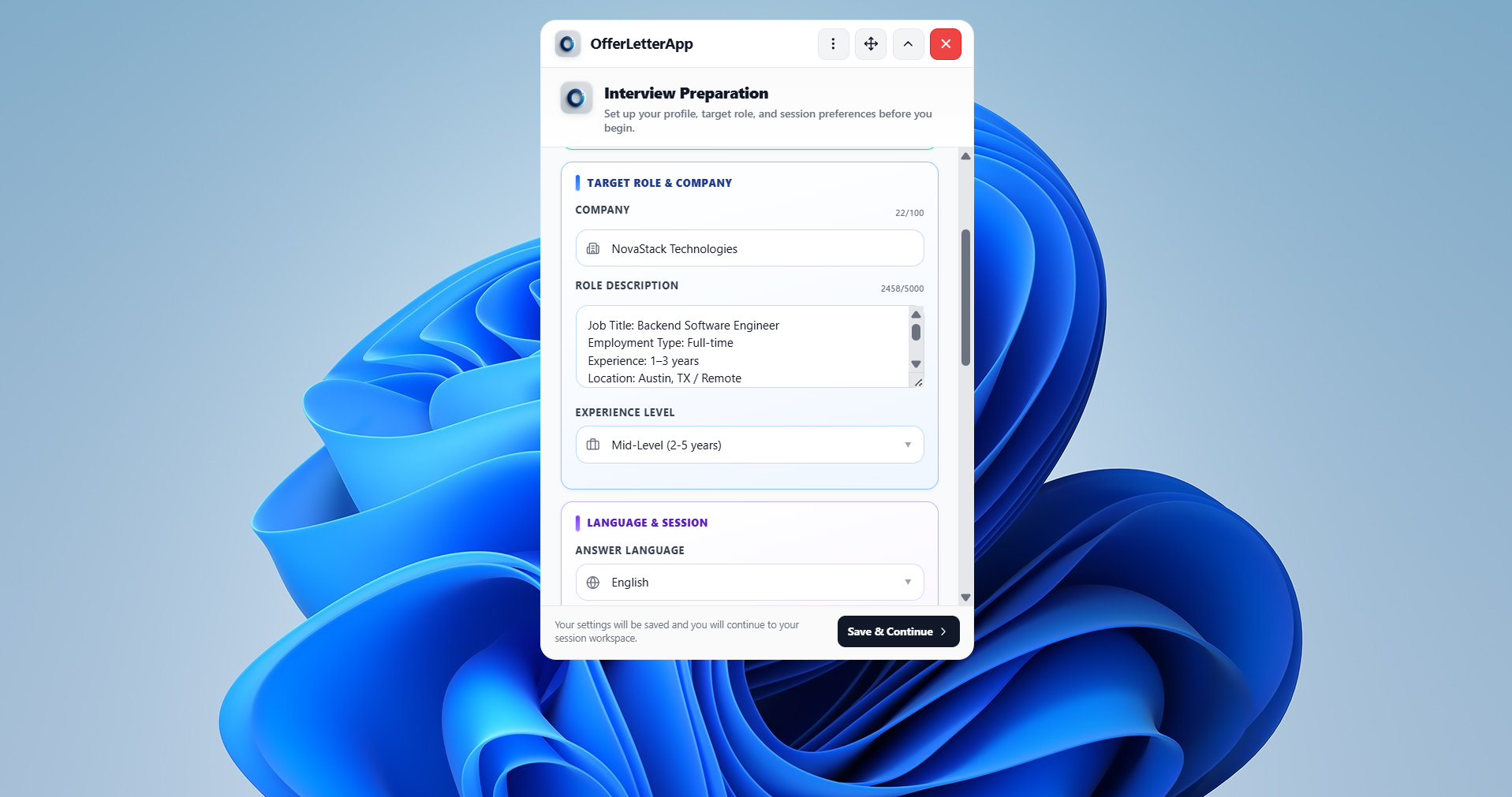
OfferLetter is a native Windows desktop copilot with live transcription, screen analysis, and GhostLayer™ — built for real technical interviews.
Step 1
Get the Windows 64-bit installer. Free trial included — no card required to sign up.
Step 2
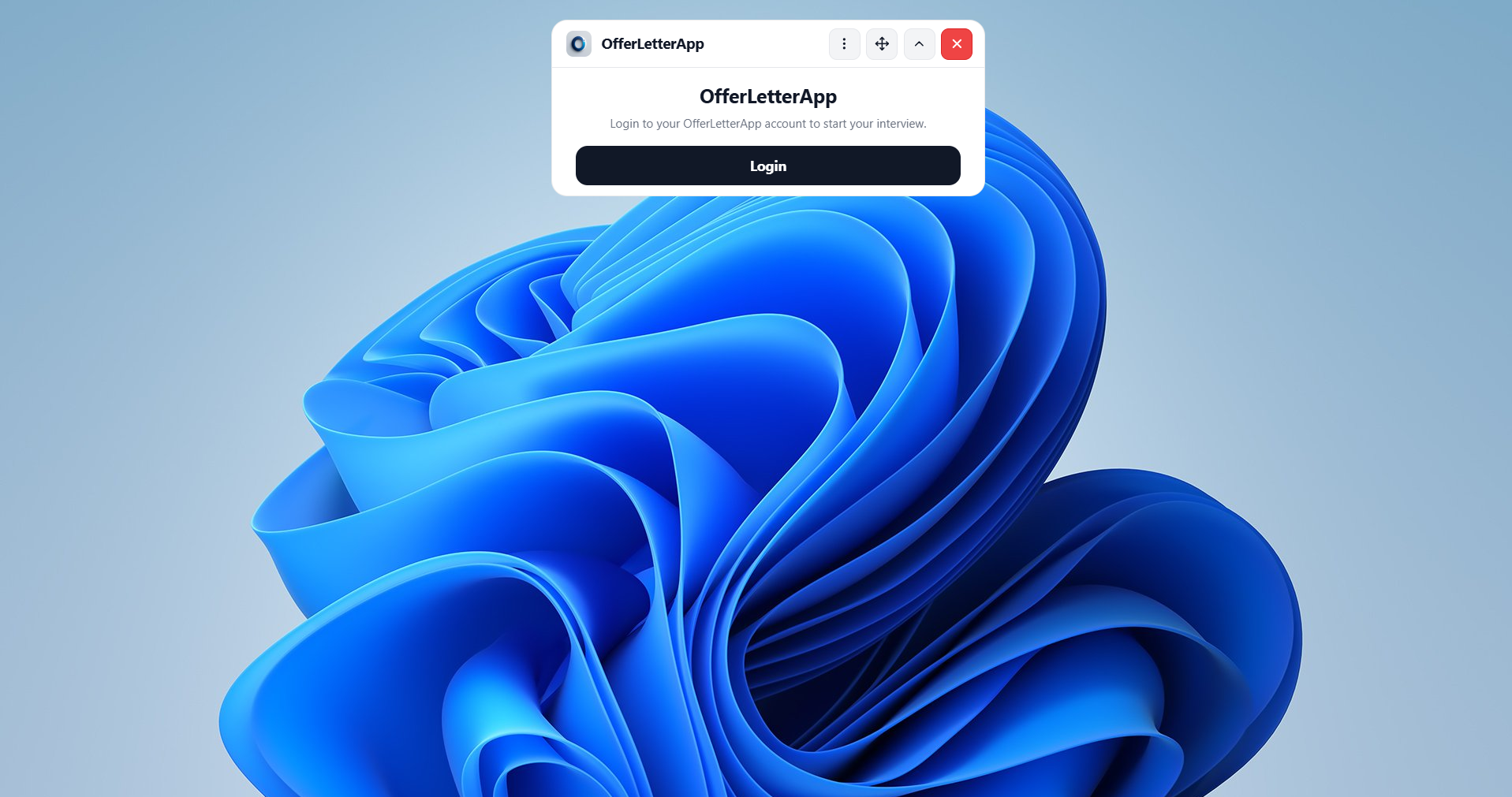
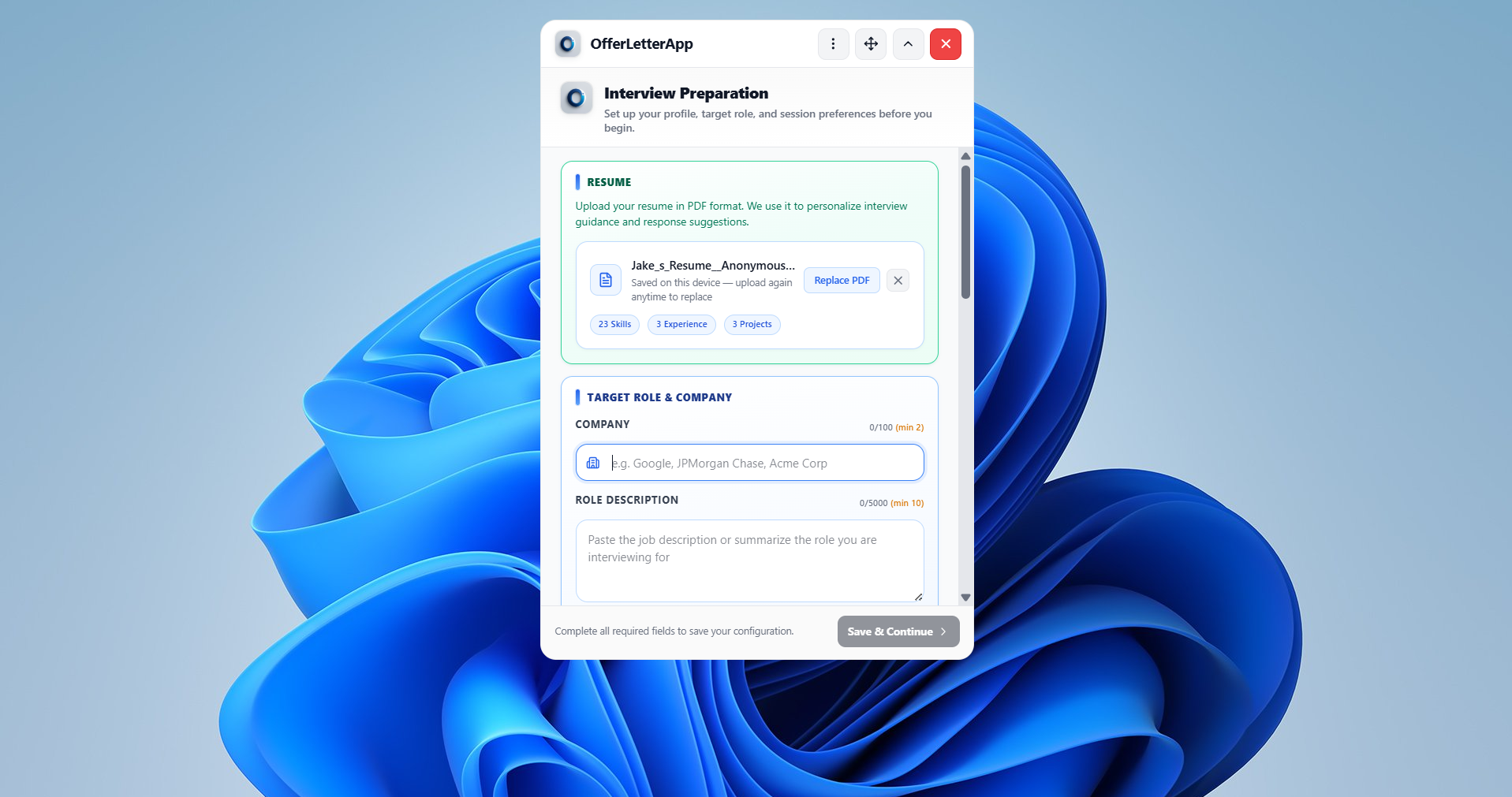
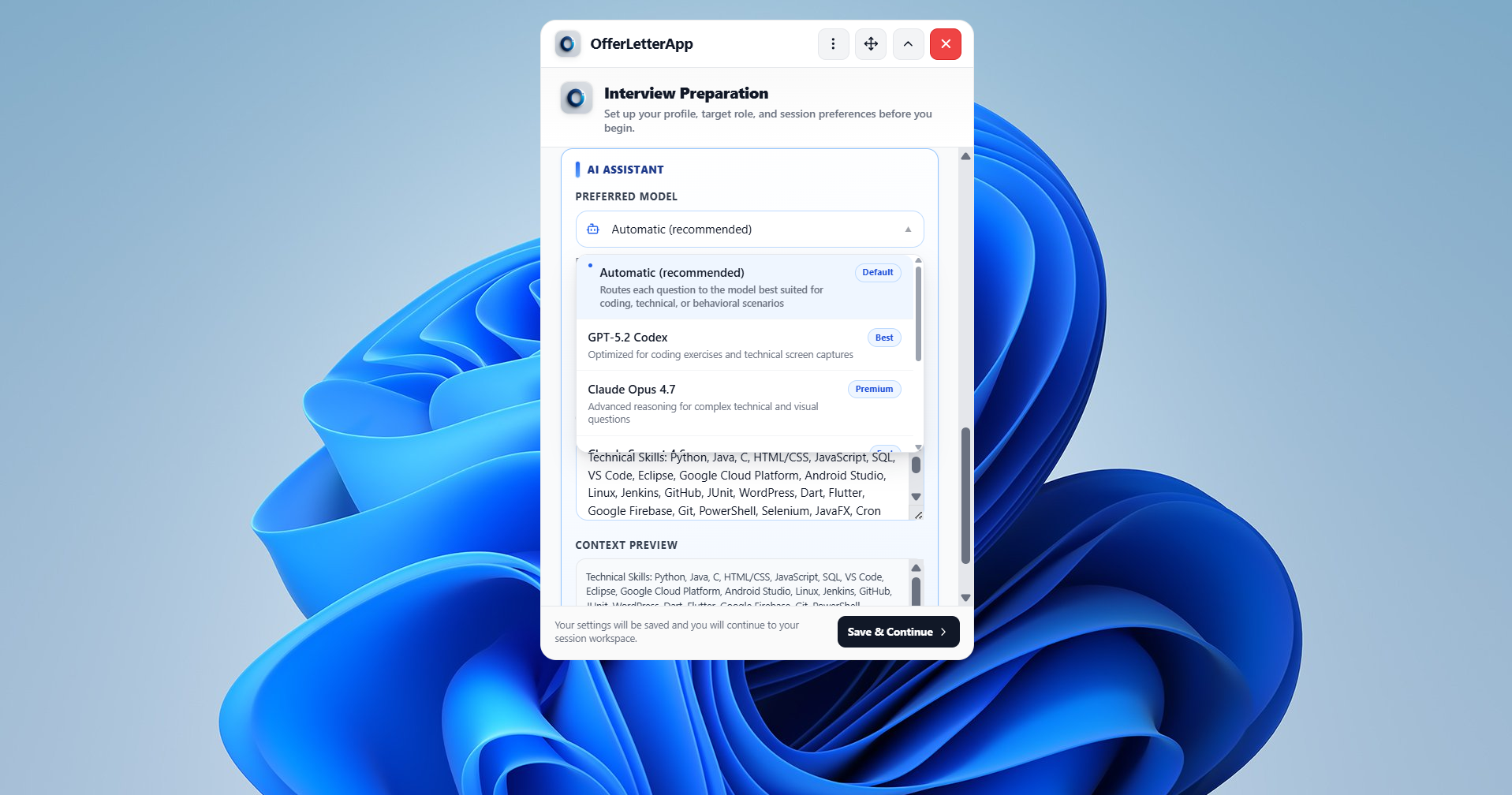
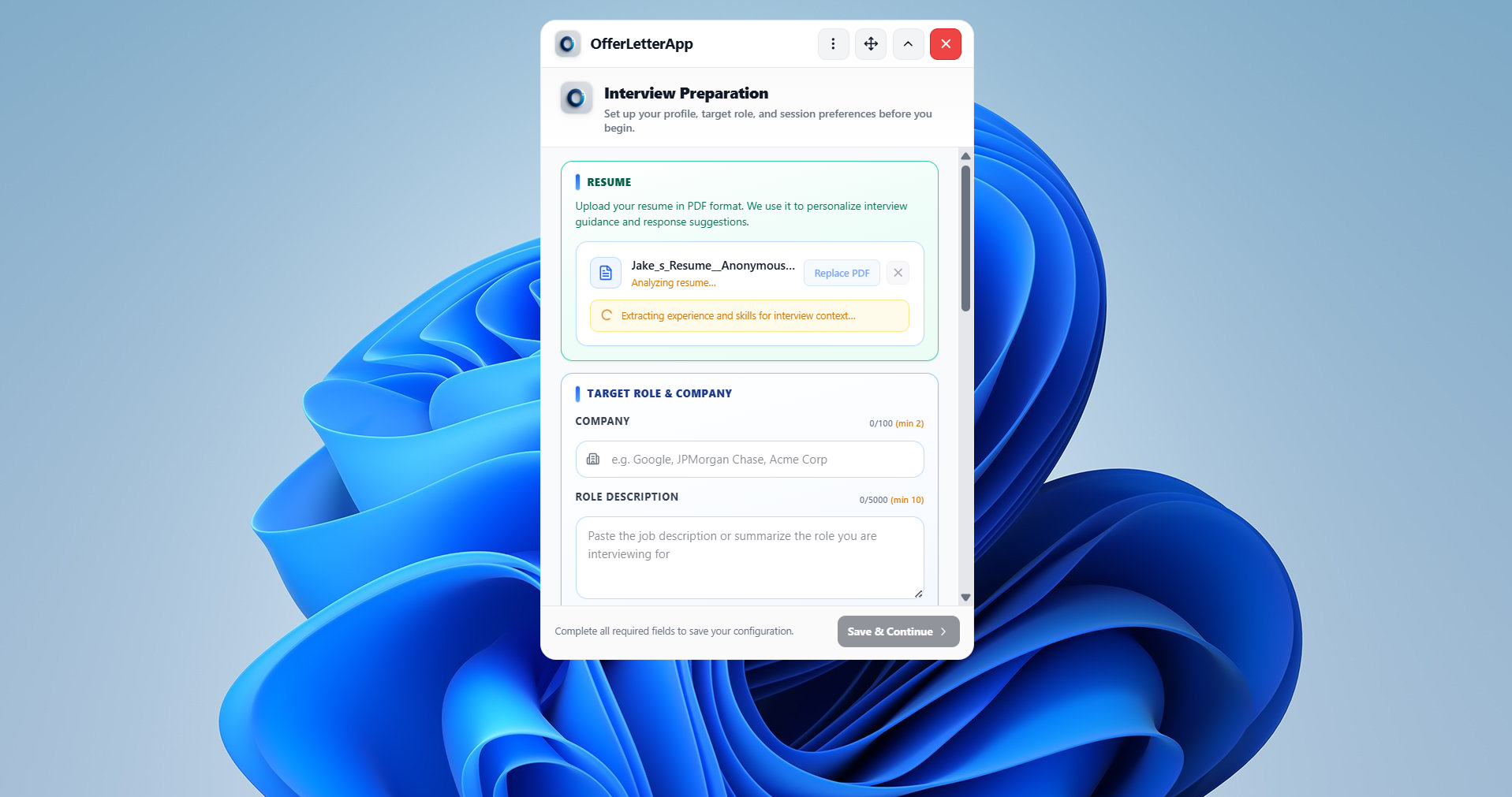
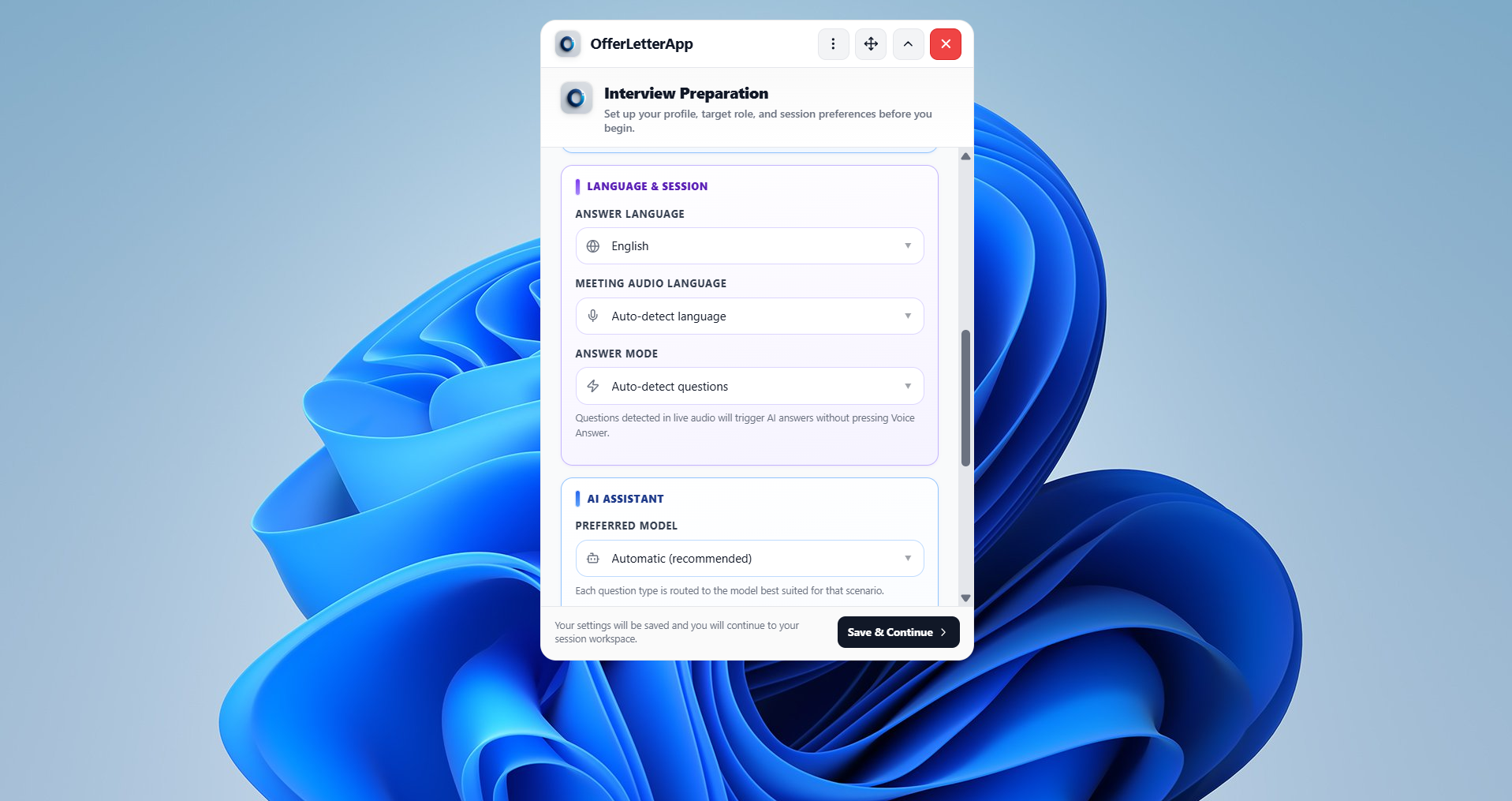
Log in from the desktop app, then enter company, role, and optional resume context.
Step 3
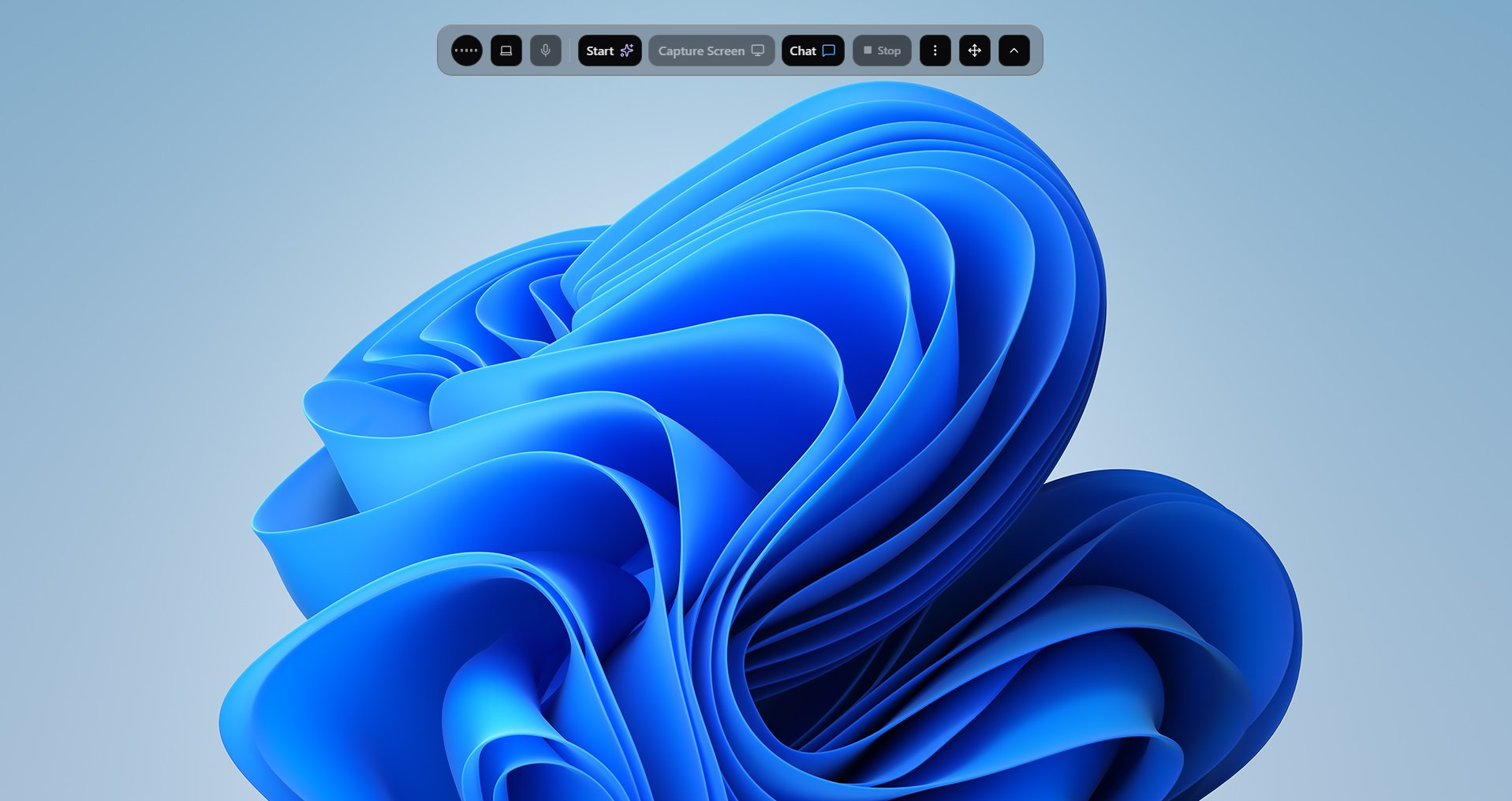
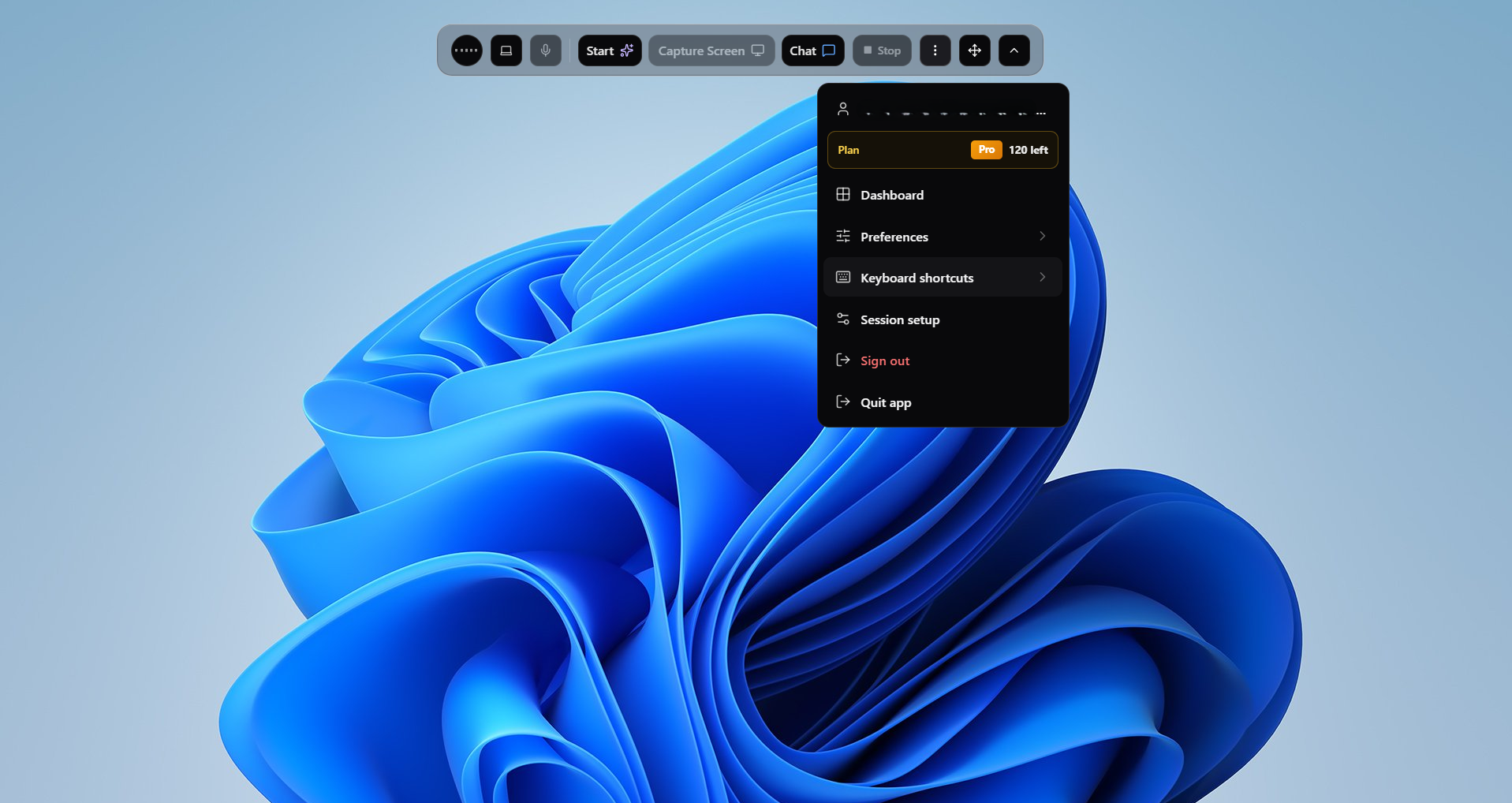
Set answer, code, and meeting audio languages in Preferences. Start the session from the toolbar.
Step 4
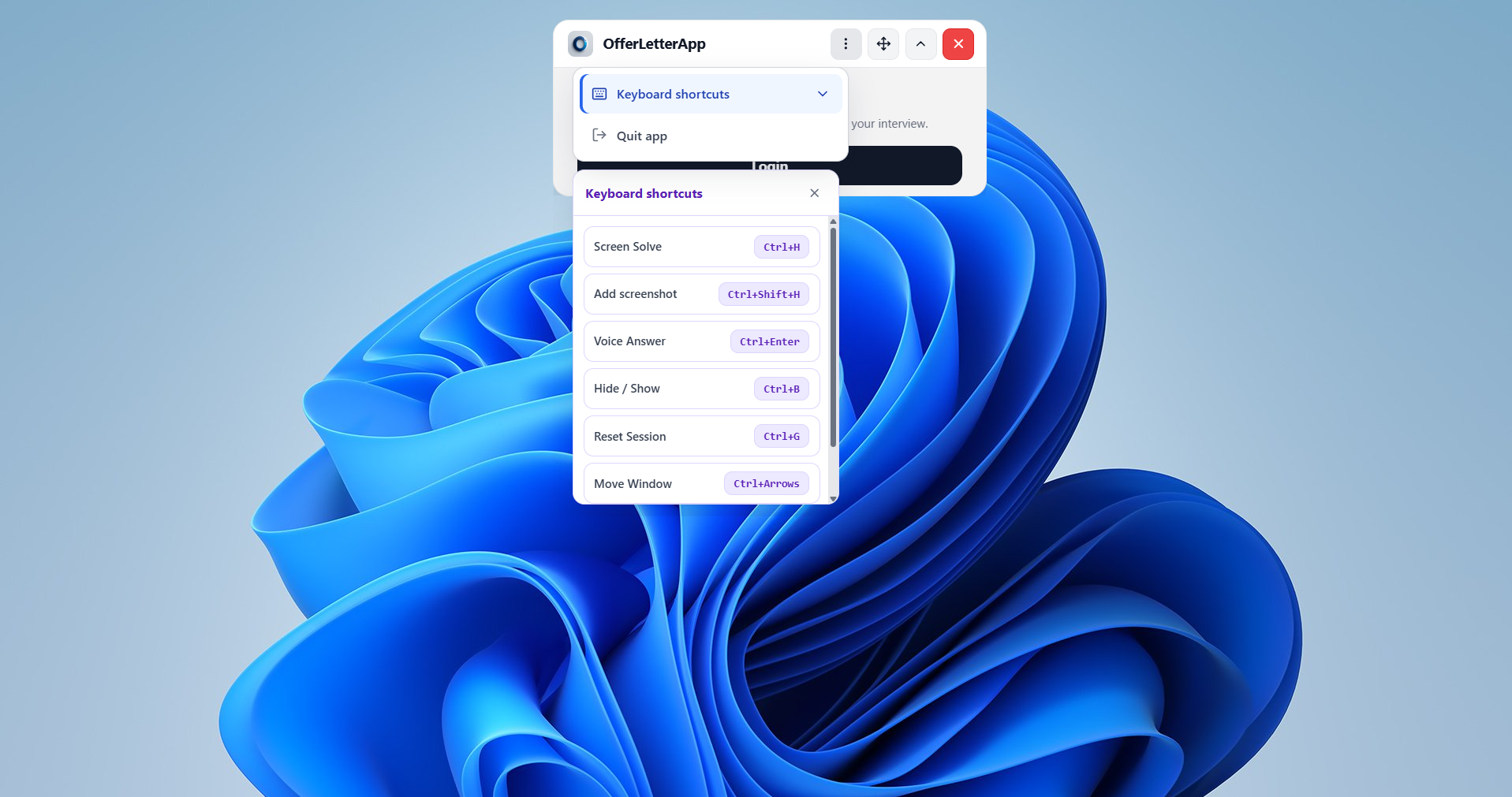
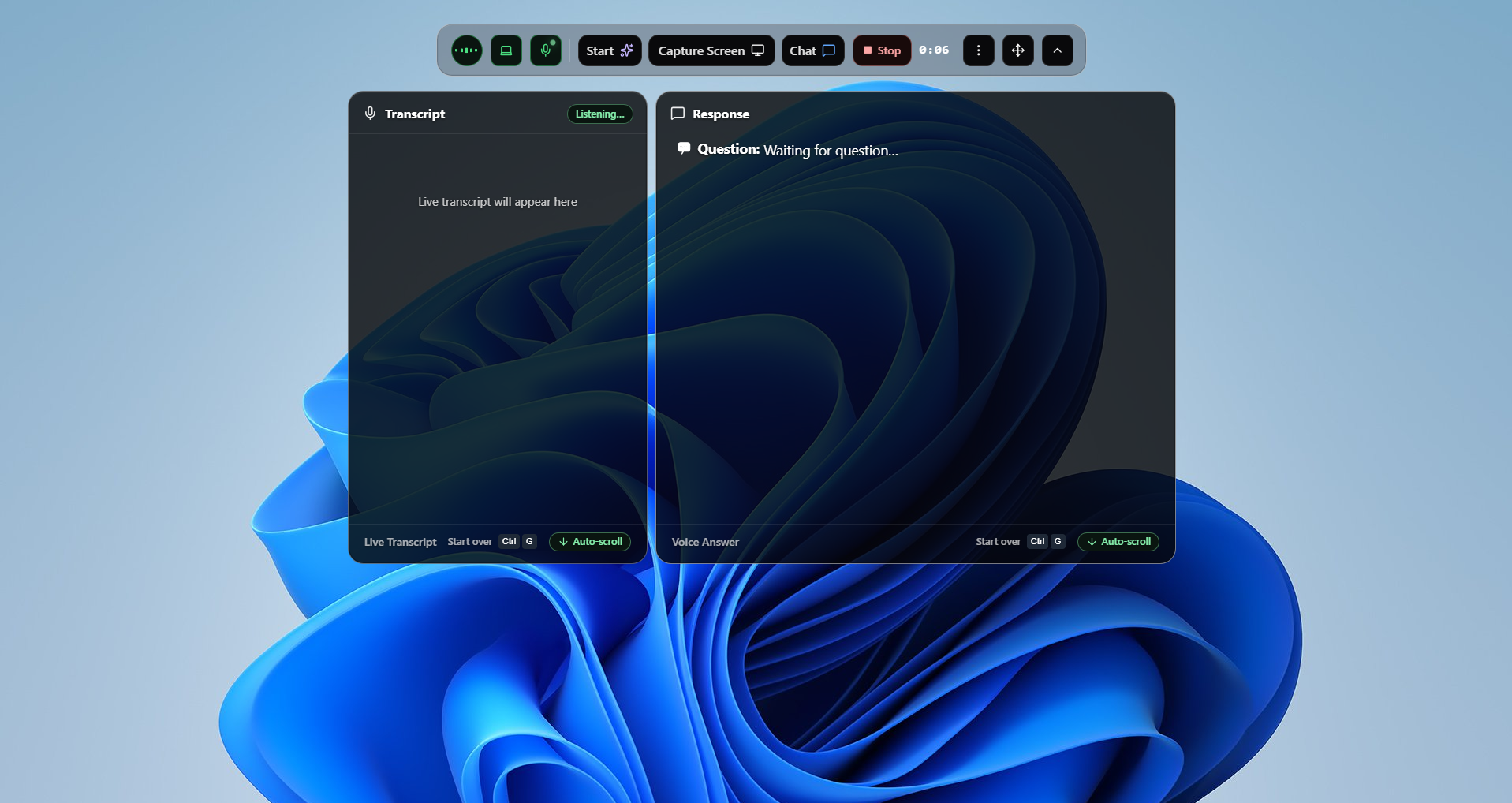
Ctrl+Enter for Voice Answer, Ctrl+H for Screen Solve — transcript and responses stream live.
Helping engineers get hired at
Enterprise Grade AI
Stop worrying about trick questions. OfferLetter gives you the confidence to land your dream role.
Captures meeting audio in real time. Auto-detect or pick from 25+ languages including English, Hindi, Tamil, Spanish, Mandarin, and more.
Screen Solve reads what is on your screen — no browser extension needed. Streams step-by-step answers for coding, MCQ, and system-design prompts.
Frosted toolbar with Voice Answer, Screen Solve, and Chat. Status overlay splits live transcript and AI responses side by side with auto-scroll.
OfferLetter's discrete desktop experience — a lightweight overlay with instant hide/show via Ctrl+B so you stay focused during live interviews.
Add up to 10 partial screenshots with Ctrl+Shift+H for scrolling problems. Screen Solve the full queue with one Ctrl+H.
Conversation memory keeps long interviews coherent across multi-hour sessions without losing recent context.
Starter: add resume and role context in session setup. Pro: custom system prompts for personalized answer style.
Automatic reconnect when your network drops — built for unstable Wi-Fi during long calls.
OfferLetter runs as a native desktop overlay — not a browser extension. Audio is transcribed and AI answers are generated through secure, encrypted cloud processing while session memory stays on your machine. Sign in links your device to your account and credit balance.
GhostLayer™ is OfferLetter's branded discrete mode — a native Windows overlay with live transcript and AI answers on one screen. Hide or show everything instantly with Ctrl+B when you need a clean view.
Pricing
Simple, transparent pricing. Start free, upgrade when ready.
All prices in INR (₹). Paid plans checkout via Razorpay in INR.
Perfect for testing. No credit card required.
Credits never expire. Great for students.
One-time purchase — not a subscription.
We never store your card info. Paid-plan refunds are not automatic: they require the 7-calendar-day window and AI credit usage limits in our Refund & Cancellation Policy (e.g. Starter ≤3 credits used after purchase; Pro ≤10).
Support
Still have questions? Contact us or email [email protected]
Our AI coding interview assistant helps developers prepare for technical interviews by providing real-time guidance, coding solutions, and problem-solving support. Whether you are practicing DSA, solving LeetCode problems, or preparing for FAANG interviews, this tool helps you improve your performance.
Designed for software engineers, students, and job seekers, the platform supports multiple programming languages and offers intelligent suggestions to solve complex coding questions faster.
Improve your coding interview skills, reduce anxiety, and increase your chances of success with AI-powered assistance tailored for modern technical interviews.
Join 12,105+ engineers who landed roles at top-tier companies.
Get Started